
Benefits-based options
SNAP, Medicaid & household help
See which benefits count, what proof to gather, and where a separate device offer fits.
Understand your benefitsDEVICE ASSISTANCE, MADE CLEAR
Original Consumer Research Archive: May 14, 2018 (USAC National Verifier Rollout) | Updated & Fact-Checked: November 2026 | By Marcus Vance, MSIT & Reviewed by Elena Rostova, MPA
A free tablet may be available through a local nonprofit, school, or VA telehealth loan. Lifeline can lower eligible households' phone or internet costs, but a device is a separate offer. Check your benefits, compare current terms, and confirm every charge before you apply online.
No application feesNo SSN or EBT PIN
 TECH THAT FITS REAL LIFE
Start with your situation
You don't have to sort through every program. Start with the kind of help that fits your household.
See which benefits count, what proof to gather, and where a separate device offer fits.
Understand your benefits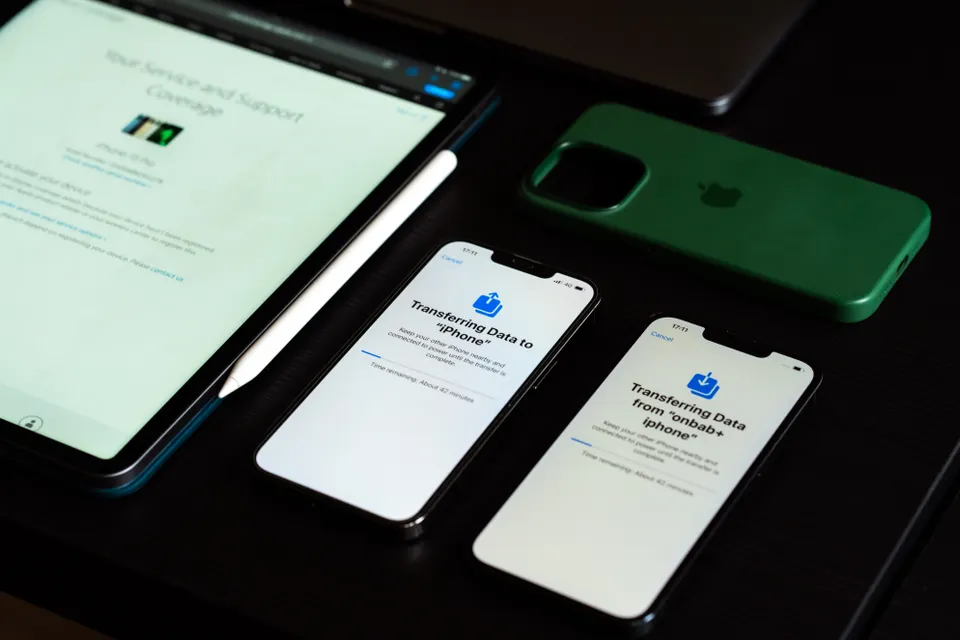
Compare the phone, the tablet, and the service separately. A bundle is only useful when the terms work for you.
Read the bundle checklist
Explore school access, sponsored devices, and a VA care-team referral instead of assuming a carrier is the only route.
Explore these alternativesYour no-cost planning desk
Four practical tools. Your checklist, calculations, and matching selections stay in your browser.
Tell us a little about your situation. We'll point you toward a useful guide, not an approval or a sales pitch.
A plain plastic EBT card may leave out the program, issuer, or current benefit dates. Check a dated award letter first. Do not upload documents here.
Compare 135% and 200% of the federal poverty guidelines, then add the actual costs in an offer. These are planning figures, not a promise of eligibility or a device.
Need a device, or have a working one to offer? Prepare a simple inquiry for our Community Connection Desk. We do not collect benefit documents or distribute devices ourselves.
Our guidance is free. An inquiry does not reserve a device or establish a place on a program's waitlist. Never mail devices to our registered office; a receiving organization must arrange any donation directly.
Find the right application route, or prepare a no-fee inquiry for a local community opportunity.
Open the request deskOffer a working tablet or laptop. Ask the receiving organization about data removal and drop-off first.
Open the donor desk2026 DEVICE ASSISTANCE
A free tablet can mean a child has a bigger screen for homework, a parent can finish a job application, or a veteran can join a video appointment without borrowing someone else's phone. The frustrating part is figuring out which offers are real. An advertisement may mix a federal service discount, a private device promotion, and an old program name into one promise. Those are different things, and the differences affect what you'll pay and what you'll receive.
Start with our application and community desk when you're ready to put together a plan. This page gives you the big picture first: the benefits that can help, the documents worth finding, the questions to ask about a device, and other routes when a carrier offer doesn't fit. You can use every planning tool above without uploading identification or entering a Social Security number.
Looking for a free tablet from government can lead you to several very different offers. The government does not operate a general warehouse that mails a tablet to everyone with an EBT card. Lifeline helps eligible households with qualifying phone or internet service. A carrier may offer hardware under its own terms. A nonprofit, school, or VA care team may have a different route entirely. None of those routes requires you to pay this directory to find information.
Before you apply for free tablet assistance, think of the process as two decisions. First, identify a program you may qualify for. Then decide whether the actual device and its conditions meet your needs. Keeping those decisions separate makes it easier to turn down a poor offer without giving up on getting connected.

6 WAYS TO GET CONNECTED
SNAP, Medicaid, Supplemental Security Income, Federal Public Housing Assistance, Veterans and Survivors Pension, certain Tribal programs, and qualifying household income can provide routes to Lifeline eligibility. Verification and household rules still apply. The benefit supports service, not a federally guaranteed iPad, phone brand, or tablet package.
Some providers advertise devices alongside enrollment. Ask whether the device is included, discounted, sold separately, or offered only to certain new customers. A headline price isn't enough. You need the exact model, current stock, service conditions, shipping charges, and return policy before you consent to a transfer or place an order. Our provider and state comparison helps you ask the same questions of different companies.
Check benefit-based optionsPCs for People and Human-I-T offer technology access programs that can include refurbished computers and other devices. Low-cost purchasing and sponsored distributions are not the same thing. A household may meet a program's eligibility requirements and still need to pay for the available device. A tablet also may not be the device type in stock.
Check the organization's own application or store rather than assuming every social media post describes an open giveaway. Ask whether financial assistance, local partnerships, or a sponsored event is available. The answer may be a laptop or desktop instead of the tablet you first searched for, which could be more useful for schoolwork or employment.
Explore nonprofit programsCompudopt and community partners organize computer access programs in participating communities. Location, registration rules, supply, and event schedules matter. Joining an interest list is not the same as receiving a device, and a computer distribution should not be described as a nationwide tablet entitlement.
A practical question is, "Which program is accepting registrations for households in my ZIP code, and what equipment does it provide?" That question gets you closer to a usable answer than asking whether an organization has something free in general. Keep the official registration confirmation and check how recipients are contacted.
Open the community deskA school-issued device can solve an immediate problem while you explore longer-term options. Ask the school library, district technology office, student services team, or campus basic-needs office whether a lending program exists. Check whether the device can leave campus, how long the loan lasts, and what happens during breaks.
Some courses require software a tablet cannot run. Before asking for a particular brand, show the school the assignment or course requirements. A laptop loan may be the better solution. Our student and family guide explains how to compare borrowing, discounted purchasing, and local nonprofit help.
Explore school devicesVeterans who need help connecting to VA video care can ask their VA care team about a Digital Divide Consult. A social worker can assess the barrier and discuss available support, which may include a loaned, connected tablet. This is a care-related route, not an unrestricted electronics giveaway for everyone who has served.
Ask what equipment is available, what it may be used for, whether connectivity is included, and how to return it when it is no longer needed. Don't buy a replacement or a separate data plan before speaking with the VA team responsible for the loan. The senior and veteran guide separates these arrangements from Lifeline eligibility.
Explore VA telehealthA working device that someone no longer needs can make a real difference, but a safe donation needs more than a promise in a comment thread. The receiving organization should identify itself, explain its intake process, and tell the donor how personal data will be removed. Recipients should know whether the device is tested, supported, and theirs to keep.
Our connection desk helps you prepare an inquiry about local opportunities or a device you could offer. It does not enroll you in a government program, reserve inventory, or arrange a guaranteed match. Never ship equipment to our registered office. A receiving organization must confirm the destination and terms directly.
Request or donate a deviceCOMPARE YOUR OPTIONS
| Lifeline provider offers | Promotional device; model and stock vary | Qualifying benefit or household income route | Ask for the full quote | Compare before enrolling Compare providers |
| Phone + tablet offers | A phone and separate promotional tablet | One household benefit; separate device terms | No fixed federal bundle price | Availability depends on the offer Bundle checklist |
| PCs for PeopleNonprofit EIN 26-2066045 | Refurbished computers; tablets depend on stock | Qualifying assistance or its current income/AMI rules | Low-cost purchase; sponsored events can differ | Qualification and inventory review Program walkthrough |
| Human-I-TNonprofit EIN 46-0773284 | Low-cost devices and some sponsored programs | Program-specific eligibility; verify the current offer | Published store price or grant terms | Availability varies by program Program walkthrough |
| CompudoptNonprofit EIN 26-1460311 | Computers through local distributions | Local eligibility, registration and selection rules | No-cost selected distributions | An entry does not guarantee selection Program walkthrough |
| VA Digital Divide Consult | VA-loaned tablet for telehealth when approved | VA care-team assessment of device/connectivity need | No cost for an approved loan | Ask your VA provider for a consult VA loan guide |
| School or campus loan | Tablet, Chromebook, or laptop | Student enrollment and school lending rules | Often no borrowing charge; loss rules vary | Ask the school help desk School options |
| Community donor route | Working donated device; no promised model | Local recipient rules and available donations | Ask about all costs before accepting | No fixed opening or matching date Community desk |
A listing is not an endorsement, an approval, or a real-time inventory feed. No processing time is guaranteed. Device offers, eligibility details, coverage, and fees can change.
Use the table as a starting point, not a live stock checker. A program can be a good fit in principle and have no appropriate device available this week. Another route may require a referral, serve a limited area, or offer a loan rather than ownership. Those are reasons to ask a more specific question, not reasons to assume every listing is misleading.
Make a short list of two or three realistic routes. For each one, write down the organization, the official application channel, the eligibility basis, the device type, and any money due. Add a separate line for service costs. A low upfront price can hide a monthly expense you did not plan for, while a no-cost loan can have return obligations that matter later.
Don't enter the same household in several Lifeline enrollments simply to compare devices. Research offers first. If the household already receives the benefit, ask how a transfer would affect the existing service. A standalone nonprofit device purchase or school loan may meet your needs without changing the household's phone plan.
2026 PROGRAM UPDATE
The Affordable Connectivity Program ended on June 1, 2024. Its former connected-device discount included a consumer contribution of more than $10 and less than $50. That history helps explain why so many old pages and advertisements still mention a $10.01 tablet. It does not establish a current federal tablet price or a new ACP application opportunity.
Lifeline is a separate program. Qualifying for it does not recreate the old ACP device benefit. A provider can have its own promotion, but the provider must explain the current offer on its own terms. Treat a $10.01-$49.99 quote as a price to check, not proof that the government has approved a device subsidy for you.
Before paying, ask which active program supports the service and which company is selling or supplying the hardware. Save the answer and the checkout screen. An old ACP logo, an archived article, or a familiar carrier name does not prove that the current offer is funded, available in your ZIP code, or compatible with your existing benefit.
Our program and cost disclaimer explains this distinction in more detail. You can still find legitimate help after ACP, but the route may involve a nonprofit purchase, a school loan, a community distribution, a VA consult, or Lifeline service with a separate device offer. There isn't one replacement application that guarantees the same package for everyone.
YOUR APPLICATION PLAN
Start with your benefit, household, or a school or VA referral.
Use current, readable documents that show the required details.
Confirm the exact device, coverage, ownership, and all charges.
Use the official portal and save your receipt and case number.
Start by deciding what the device needs to do. "Something for video appointments" is more useful than "the biggest discount." A student may need a keyboard and a full desktop browser. A senior may need a large screen, a loud speaker, and someone who can help with setup. Write down the two or three tasks that matter most before choosing a program.
Next, identify the strongest eligibility route you can document. A current qualifying benefit may be simpler to establish than household income, but the program decides what proof is required. If you're applying through income, use the correct household size and geographic guideline. Don't assume that a threshold used by one nonprofit applies to a carrier or another charity.
Then check the application channel. An official program may use a contractor or an enrollment partner, so a commercial domain is not automatically a scam. Still, you should be able to trace the relationship from the program's own website and confirm who receives your information. Don't submit identification through an unsolicited text or an unverified social media message.
Finally, keep the record that connects your application to the offer. Save the case number, date, quoted model, total price, shipping terms, and support contact. An eligibility approval alone is not an order confirmation. Before you stop looking elsewhere, make sure you understand what has actually been approved and what still needs to happen.
SNAP & EBT DOCUMENTS

A plastic EBT card often does not show enough information to establish current SNAP participation. The reviewer may need the beneficiary's name, the program name, the issuing agency, and a recent issue date or future expiration date. A dated award or verification letter can bring those details together in a way a card photo cannot.
That does not mean every card image is automatically rejected or that everyone must upload a letter. Official systems may verify participation electronically. Follow the request attached to your own application. Sending extra documents that weren't requested can expose more personal information without resolving the issue that actually caused the review.
Open your state benefits account through a saved or independently verified address. Look for notices, eligibility letters, benefit verification, or correspondence. Download the complete document when possible. Check that the name and program are visible and that the file hasn't cut off the date or agency heading. The SNAP and EBT guide explains what to look for.
Keep identity, residence, and benefit proof separate in your mind. One document may support more than one requirement, but a current benefits letter does not necessarily resolve an address mismatch. Don't edit a letter to make it fit an application. Ask the issuing agency or the official verifier how to correct the underlying record.
ONE HOUSEHOLD RULE

For Lifeline, the important question is whether people live together and share income and expenses. A street address alone does not answer that question. Roommates, residents of a shelter, or adults living with relatives may have different financial arrangements. The official household questions help determine whether separate economic households exist at one location.
A household cannot claim several Lifeline benefits just because different members receive different qualifying benefits. For example, one person receiving Medicaid and another receiving SNAP does not automatically create two eligible household subscriptions. Before applying, ask whether anyone who shares your household finances already uses Lifeline with another company.
If the application flags a duplicate address, don't change the spelling of the address or invent an apartment number. Follow the official instructions and complete a Household Worksheet when requested. An accurate explanation of the living arrangement is more useful than repeated applications with slightly different details.
This matters especially when comparing a phone and a tablet bundle. Two pieces of hardware do not necessarily mean two service benefits, and two separate providers may create a conflict. Our phone and tablet bundle guide shows the questions to ask before moving an existing benefit.
CHECK THE FINE PRINT

A good offer should tell you exactly what you are getting. "Apple tablet" is not enough. Ask for the generation or model number, storage capacity, condition, included charger, and any battery or warranty standard. For an Android tablet, ask about memory, software version, and the apps you need to run. Product-family names can cover very different hardware.
Then ask about ownership. Is the equipment yours after purchase, a school or VA loan, or subject to a return condition? What happens if your service ends, your eligibility changes, or the tablet arrives damaged? Don't assume the answer from the word "free." Different programs use different agreements.
Look at service separately. A Wi-Fi-only tablet needs an internet connection. A cellular-capable tablet also needs compatible service and, usually, the right activation arrangement. A phone plan may include hotspot access, but its allowance and speed rules may not be enough for frequent video calls. Ask about your actual use rather than relying on a broad "unlimited" label.
Take a screenshot of the final order summary before paying. If the model can be substituted, ask what the substitution rules allow and whether you can decline it. A promise made verbally by a sales representative is much harder to use later than a written order showing the model and terms.
COMPARE REAL DEVICES

The generation matters more than the word iPad. Confirm app support and battery condition.
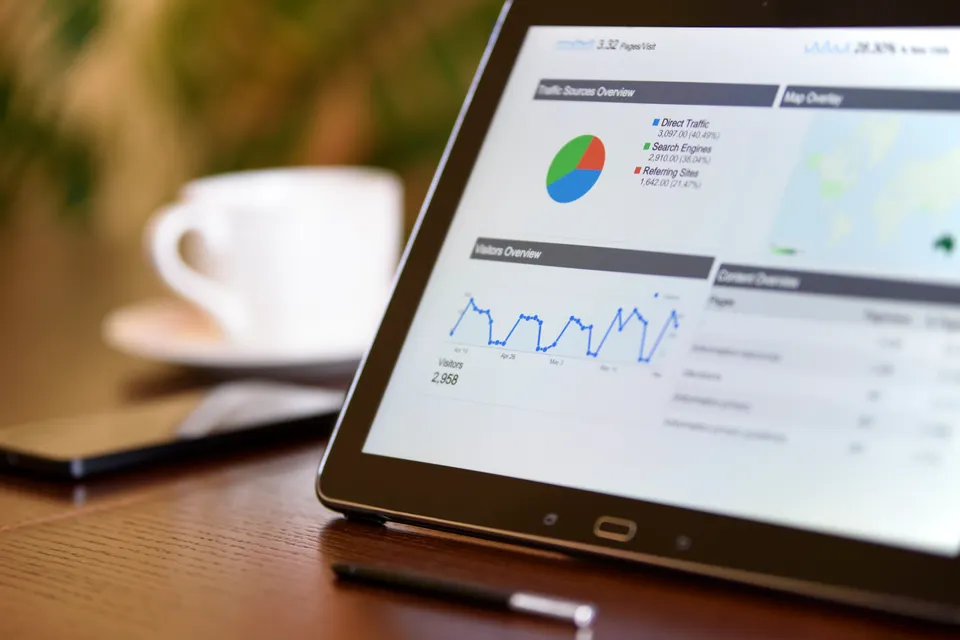
Compare the full model number, available memory, and current software support.
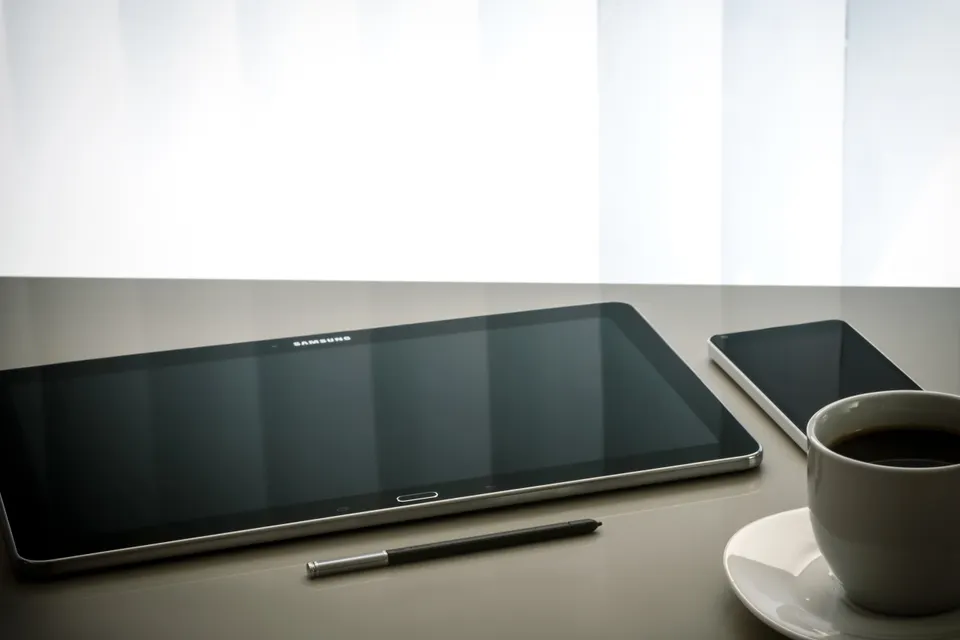
A low price does not fix limited memory or outdated software. Try your essential apps first.
A refurbished iPad or Samsung Galaxy Tab can be a sensible choice when its software support, battery condition, and price fit your needs. The brand alone doesn't settle the decision. An older premium tablet may no longer run an important app, and a newer entry-level model may perform better for a specific task. Compare the exact device rather than the logo.
Be cautious about very low-memory tablets, particularly older generic 8-inch models advertised with only 1GB of RAM. Limited memory can make switching between a browser, a video call, and a form frustrating. For Android devices, checking for at least 3GB is a useful shopping starting point, not a guarantee of performance. Operating system support and the app's requirements still matter.
An iPad's published specifications and software support should be checked using its exact generation. Don't try to compare every iPad and Android tablet by a single memory number. Instead, verify that the device supports your required apps and has enough storage left after the operating system and updates.
For a closer look at model names, accessories, and return checks, use our Apple and Samsung hardware guide. The aim is not to chase the newest device. It's to avoid spending scarce money on something that cannot handle the work you need it to do.
THE REAL FIRST-YEAR COST

A device price is only one part of the decision. Add shipping, activation or setup charges, tax shown at checkout, and any service you must purchase. Then compare the first-year total, not just the amount due today. Our calculator lets you enter the figures from an actual offer instead of assuming a standard co-pay.
The income calculator uses the 2026 federal poverty guidelines with separate values for the 48 states and D.C., Alaska, and Hawaii. The 135% comparison is relevant to Lifeline's income route. The 200% figure is useful for checking certain nonprofit criteria, but each organization decides its own eligibility policy. Neither calculation checks program records or approves an application.
For a one-person household in the 48 states and D.C., the published 2026 Lifeline annual ceiling is $21,546, with a monthly equivalent of $1,795.50. Use annual figures and the official instructions when income changes from month to month. A qualifying benefit may be another route even when an income estimate appears above that threshold.
The Medicaid, SSI, and income guide explains the difference between benefit-based and income-based eligibility. Don't reduce your reported household size or leave out income to make a calculator show a match. A truthful application and a realistic budget are more useful than a favorable result on a planning screen.
SENIORS & VETERANS

Original Medicare is not, by itself, a Lifeline qualifying benefit. Medicaid and Supplemental Security Income are recognized routes, and income may provide another. Social Security retirement, SSDI, SSI, and Veterans Pension are different programs; similar names do not make their eligibility rules interchangeable. Read the name on the actual award or coverage letter.
For seniors, usability can matter more than a promotional specification. Check text-size controls, screen brightness, speaker volume, charging simplicity, and whether a trusted person can help with setup. A heavy case or awkward charging connector can make an otherwise suitable device harder to use every day.
For veterans, separate a possible VA telehealth loan from a carrier purchase. The VA care team can explain whether a Digital Divide Consult fits the medical appointment need. A carrier representative cannot approve that consult. Likewise, a VA health identification card does not automatically prove participation in Veterans and Survivors Pension for Lifeline.
Ask for help before giving up on the application. A trusted family member can sit beside you while you read instructions, but should not impersonate you or guess at answers. Keep passwords and verification codes private, and use the official program's process for an authorized helper when one is needed.
APPLICATION & DEVICE SUPPORT
A request for more information is not the same as a final denial. Read the exact issue: identity, address, qualifying benefit, income, or an existing household benefit. Then respond to that issue through the official channel. Repeatedly starting new applications can make it harder to track which record needs attention.
If the problem concerns an order, contact the seller or program that supplied the hardware. USAC eligibility approval does not establish that a particular seller shipped a device or owes a warranty replacement. Keep eligibility records separate from order records so the right organization can answer the right question.
For a frozen tablet, start with the manufacturer's basic troubleshooting instructions and avoid a factory reset until important information is backed up. For a loaned device, ask the school or VA support team before changing management settings or attempting repairs. A damaged battery or swelling case needs professional handling, not a home repair experiment.
Our application troubleshooting and replacement guide helps you organize a support request. Include the model, purchase or loan date, symptoms, and the steps already tried. Do not put a full benefit identifier, account password, or government ID into an ordinary email to a directory.
PRIVACY & CONSUMER SAFETY
Be wary when an offer asks for gift cards, an EBT PIN, remote access to your phone, or a payment to "release" a grant. A legitimate eligibility process can require sensitive information, but that does not make every website requesting it legitimate. Verify the destination before you enter anything.
An official-looking badge is not evidence on its own. Check the organization name, contact details, domain, and current program information. Search results and advertisements can lead to lead-generation forms that share your information with other businesses. Read the consent language, especially anything about marketing calls, texts, or partner sharing.
We do not ask for Social Security numbers, EBT PINs, benefit-account passwords, or document uploads. Our planning tools run in your browser. A community inquiry is prepared locally and opens your email app for you to review and send. The contact form is a separate message channel, not a benefits application.
Our privacy policy, terms and conditions, and about page explain the role of this directory. Use contact us to report a broken source or an inaccurate explanation. A clear correction is more valuable than leaving a confusing claim in place.
PROGRAM HISTORY
| Period | What changed | What it means now |
|---|---|---|
| 2018 | The National Verifier rollout introduced a more centralized Lifeline eligibility process. | A record of program history does not establish that a particular device offer is still available. |
| 2020-2021 | Remote learning increased device needs. The temporary Emergency Broadband Benefit began in 2021. | Emergency-era school and connectivity assistance had its own time limits and rules. |
| 2022-2024 | ACP succeeded EBB and included a connected-device discount. ACP ended June 1, 2024. | The former device contribution range is not a current, general Lifeline price rule. |
| 2025-2026 | Families compare Lifeline service, school lending, nonprofit refurbishers, community distributions, and VA telehealth loans. | Confirm each active route with its operator instead of relying on a saved advertisement. |
Program history is useful when it explains why advice changed. It becomes a problem when an old benefit is presented as an open offer. A dated article about EBB or ACP can be accurate about its original period while no longer describing a way to apply today. Check both the publication context and the current operator's instructions.
The archive line on this guide identifies our research baseline and current review cycle. It does not mean every provider, price, model, or distribution has existed continuously since that date. The questions worth asking now are straightforward: Is the program active? Does it serve my household? What equipment is actually available? What does the current agreement require?
Keep this page as your starting point, then move to the guide that matches your situation. You don't need to master every program before making a useful first call. A current benefits letter, a short list of device needs, and a written price check can put you in a much better position than another round of unverified advertisements.
STRAIGHT ANSWERS, BEFORE YOU APPLY
A sponsored nonprofit distribution, school loan, community program, or approved VA telehealth loan may provide a device without an upfront purchase price. Availability and conditions differ, and a loan is not the same as ownership. Lifeline service eligibility alone does not guarantee hardware.
There is no general federal tablet mailing program for everyone who receives SNAP. SNAP can be a qualifying route for Lifeline service, while a carrier or nonprofit controls its separate device offer. Check the actual supplier, model, and terms before applying.
No universal Lifeline rule sets that tablet price. The familiar contribution range is associated with the former ACP connected-device benefit, and ACP ended in June 2024. A current provider promotion needs its own written price and conditions.
Yes, you can research school, nonprofit, community, or other standalone device routes without assuming you need another Lifeline subscription. The household benefit rule still applies if you change service. Compare coverage and transfer terms before moving a benefit for a hardware promotion.
Age and Original Medicare alone do not establish Lifeline eligibility. Medicaid, SSI, another recognized benefit, or qualifying household income may provide a route. Check the exact program named on the current notice rather than selecting a similar-sounding benefit.
Confirm the exact model and generation, software support, storage, battery condition, included charger, and return policy. Test the apps and tasks you need during the return period. A familiar brand name does not guarantee that an older device will meet your requirements.
No. ApplyFreeTablets.com is an independent information directory with free planning tools and a community inquiry desk. Eligibility decisions, device inventory, pricing, delivery, and support belong to the official program or supplier, so an inquiry here does not reserve equipment.
No. Our matcher, document checklist, and income calculator do not request private identifiers or document uploads. If an official application later requires sensitive information, verify that destination independently and follow its secure instructions; never share an EBT PIN with this directory.
Policy and program details reviewed November 15, 2026. Always use the organization's current instructions for an application or purchase.
YOUR OPTIONS, ALL IN ONE PLACE
Every application route, document checklist, and policy is one click away.
A LITTLE CLARITY GOES A LONG WAY
Check your options, gather your paperwork, and choose the route that works for your household.